

An unexpected OurBallot text may know your name and mention a real election deadline. That makes it feel official—but OurBallot is a private voter-outreach service, not a government election office.
Authentic reminders can be legitimate political outreach. The danger is that scammers can copy the name and send voters to phishing pages. Do not judge the message by its sender label; verify every deadline independently through Vote.gov or your state election office.
Here is how to tell ordinary outreach from election-themed phishing before you tap a link.
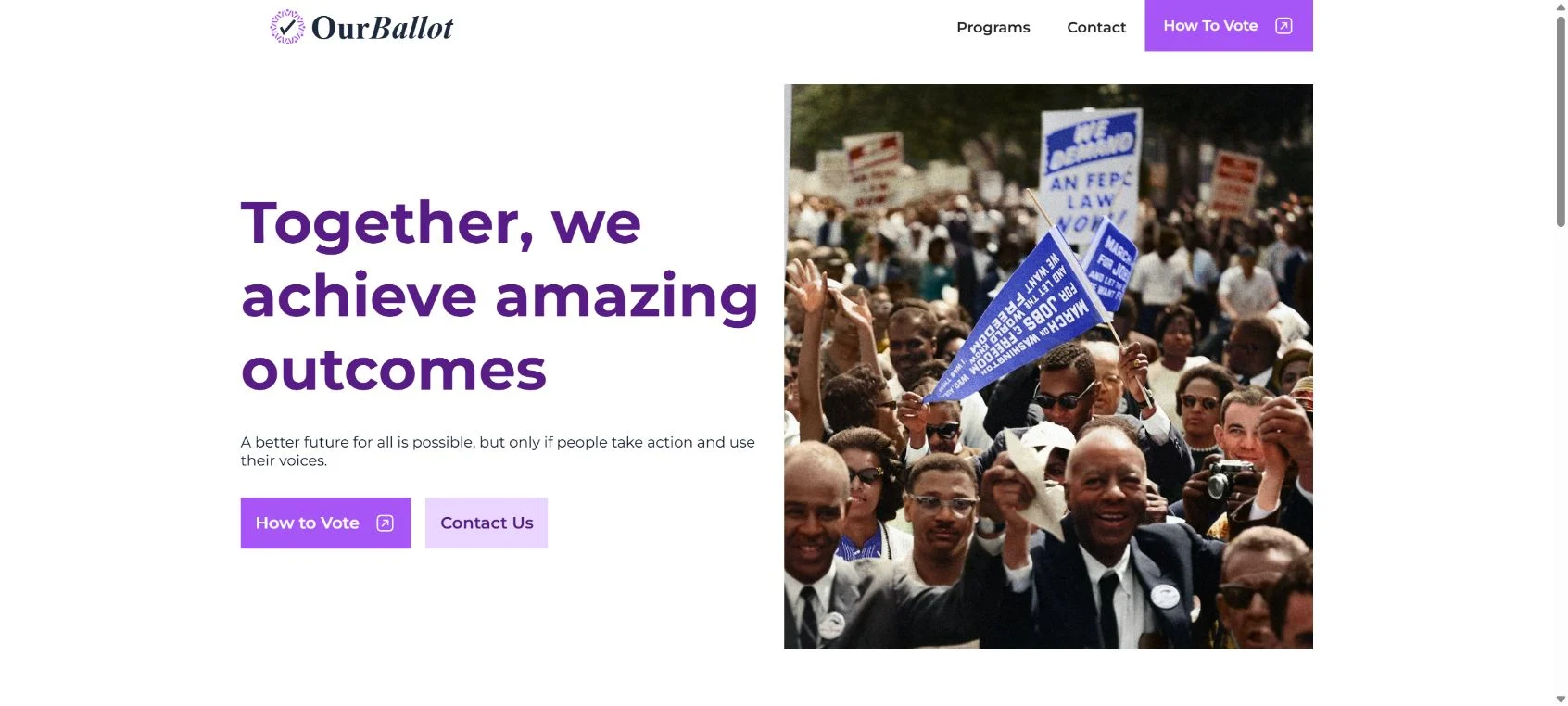
Overview of the OurBallot Text Message
An OurBallot text can arrive without warning and look more official than it really is. It may mention an election, voter registration, a mail-in ballot deadline or a polling location. That wording naturally makes people wonder whether a government office sent it, whether their voter record is at risk, or whether ignoring the message could stop them from voting.
OurBallot is a private voter-outreach and education service, not an election authority. Its own website says its communications are paid for by OurBallot and are not authorized by a candidate or candidate committee. The service helps political organizations and advocacy campaigns reach voters with reminders and links. That makes a genuine OurBallot message political outreach, even when the subject is a real public deadline.
A legitimate reminder should not ask you to pay, provide a Social Security number, disclose a bank account, send a one-time security code or install an app. It should direct you to ordinary election information and provide a working opt-out. The safest response is still to avoid using the link in an unsolicited text. Open your state election office website or Vote.gov independently and verify every deadline there.
The important distinction is between the sender and the content. A text can genuinely come from an outreach platform yet still be unwanted, targeted or based on a campaign contact list you never knowingly joined. Criminals can also copy the OurBallot name and election language to make a phishing link feel urgent. Treat the name as a clue to investigate, not as proof that the specific message is safe.
The message may also reveal how broadly voter and consumer contact data circulates. A personalized text does not prove that the sender accessed a private government file or that your registration has changed. It may reflect a public voter record, a campaign list, a commercial data match or an outdated association between your phone number and another person.
Is the OurBallot Text Message a Scam?
An authentic OurBallot reminder is legitimate private voter outreach, not a government notice. The organization operates a public website, identifies who pays for its communications and describes voter-education services. A message that only shares registration or voting information can be genuine, but the displayed sender name does not authenticate the specific text on your phone.
That does not make every message bearing the name trustworthy. Sender names can be spoofed, lookalike domains can be registered in minutes, and scammers routinely borrow civic language. A copied message becomes dangerous when it pushes you to a site that collects identity details, account credentials, card information or security codes.
What a legitimate reminder may contain
- A publicly verifiable registration or election deadline.
- A link to Vote.gov, a state election office or the official OurBallot domain.
- Basic instructions for finding a polling place or requesting a ballot.
- A disclosure explaining who paid for the outreach.
- A clear way to opt out, commonly by replying STOP.
What it should never ask you to do
- Pay a fee to register, keep your registration active or receive a ballot.
- Provide your full Social Security number, bank login or card PIN.
- Read back a one-time code sent by your bank, email provider or mobile carrier.
- Download an unofficial voting app, remote-access tool or document viewer.
- Send a photograph of your driver license through a text conversation.
- Act immediately because police, immigration authorities or tax officials are supposedly waiting.
How an Election-Themed Text Scam Works
Step 1: The message creates civic urgency
The text claims that registration closes today, your ballot request is incomplete or your polling location has changed. Elections have real deadlines, so the claim feels believable. The scammer wants you to react before checking an official source.
Step 2: A familiar name lowers your guard
The sender may use OurBallot, a state name, a political campaign or a generic label such as “Voter Services.” None of those labels prove who sent the text. Mobile messaging systems do not give an ordinary recipient a reliable way to authenticate a displayed sender name.
Step 3: The link opens a convincing form
A phishing page may copy government colors, a flag, a seal and familiar election terminology. It asks for your name, address and date of birth first. Those questions appear relevant to voter registration, which makes more intrusive requests later in the form seem less suspicious.
Step 4: The form expands into identity or payment theft
The page may request a Social Security number, driver-license image, card number or a small “processing fee.” Another version asks you to sign in with Google, Microsoft or Facebook. The purpose is not to update a voter record; it is to collect credentials and identity data that can be reused elsewhere.
Step 5: The stolen information is reused
Email credentials can expose password resets, private documents and financial notifications. Identity details can support account takeover or new-account fraud. A small card payment also confirms that the card works, giving criminals a reason to attempt larger charges later.
Why the Message May Know Your Name or Address
Personalization is not proof of government access. Political campaigns and data vendors build voter-contact lists from public voter files, consumer data, petitions, previous campaign interactions and commercial databases. Depending on state law, voter files may include a name, address, party registration and voting-history indicators, though not how a person voted.
A wrong name does not automatically prove fraud either. Phone numbers are reassigned, campaign databases become stale and shared family plans create mismatches. Treat incorrect personal details as a reason to be cautious, not as the only test.
Privacy Questions Raised by Political Outreach
Even a legitimate political text can expose a privacy concern. Campaigns and advocacy groups may combine public voter records with commercially sourced phone numbers and demographic inferences. That can make a message feel as if the sender knows more than it really does, while the recipient has little visibility into which vendor created the match.
Use the sender’s published privacy and opt-out channels if you want to ask where the contact information came from, but do not send sensitive identity documents to prove who you are. Limit the request to removal of the phone number, retain the confirmation and report continued messages through your carrier if the opt-out is ignored.
Document repeated contact dates as well. A short record makes it easier to show that messages continued after a clear opt-out request.
How to Check the Text Safely
- Do not tap the link in the message, even if the displayed address looks familiar.
- Open a fresh browser tab and type Vote.gov or your state election office address yourself.
- Check registration status, deadlines and polling information on that official site.
- Inspect the full domain in the text. A subdomain, extra word or unusual ending can lead somewhere completely different.
- Search the exact callback number or message wording if the text asks you to call.
- If the message only offers political information and you do not want it, reply STOP or block the sender.
Do not use a phone number supplied inside a suspicious message to “verify” the message. That only reconnects you with the same sender. Use contact details published by your state or county election authority.
What to Do If You Clicked the Link
You opened the page but entered nothing
Close the page and do not download anything it offers. On a fully updated phone, merely opening a web page is less dangerous than submitting information, but it is still sensible to clear the tab, review recent downloads and update the operating system and browser.
You entered a password
Change that password from the real service immediately. If the password was reused, change it anywhere else it appears. Enable two-factor authentication with an authenticator app or security key where available, then review active sessions and recovery details for unfamiliar changes.
You provided identity information
Document exactly what you submitted. If it included a Social Security number, driver-license image or enough information for identity theft, visit IdentityTheft.gov for a recovery plan. Consider a credit freeze with the three major credit bureaus, which is stronger than a simple fraud alert.
You entered card or bank details
Call the number printed on the back of the card or use the official banking app. Explain that the details were entered on a suspected phishing page. Ask whether the card or account number should be replaced, and watch for small test charges as well as larger transactions.
How to Stop Future Political Texts
For a genuine outreach message, replying STOP should end messages from that specific campaign or platform. Take a screenshot first if the sender has behaved deceptively. If messages continue, block the number and report the text as junk through your messaging app.
You can also forward suspicious texts to 7726, which spells SPAM on a phone keypad. Political senders may use multiple numbers, so one block may not stop every campaign message. Avoid replying with personal explanations; an opt-out word is enough.
The Bottom Line
OurBallot is a private voter-outreach service, not an election authority. A straightforward reminder that asks for no sensitive information can be legitimate political messaging, but it is still unsolicited outreach and should be independently verified.
Never let an election deadline push you into using a link from a text. Check your registration and polling details through Vote.gov or your state election office, and treat any request for money, passwords, security codes or extensive identity data as phishing.

Join the discussion
0 commentsShare your experience or ask a question about this article.
Discussion
Start the conversation
Have a question or something useful to share? Add the first comment.