
Guys, have you tried this Update - Hitomi Downloader - Desktop App for Audio/Video, Images, Torrents what's your opinion ?


Open MalwareTips from your Home Screen or desktop. Follow discussions, find answers and pick up where you left off.
If you cannot find an install option, update your browser or use its bookmark option to keep MalwareTips close.
After installation, open the app and sign in. Enable push notifications in Preferences if you want alerts. On iPhone and iPad, push requires a Home Screen web app and iOS or iPadOS 16.4 or later.
Sign in to manage notificationsInstallation is optional. Your notification settings stay under your control.
 Thread starter
Tiamati
Thread starter
Tiamati

So, in this case Free Download Manager is the best choice, right? I am wondering why it is free and not paid.no, with free download manager or eagleget, they creates multiple connections but don't take time to combine parts. They place parts next to each other and combine them within no time. Neat, IDM or other download managers place parts randomly on the disk and combine after finishing. Easily noticed by my computer freezing when they are combining with significant spike in disk usage. This has never happened with EG and FDM
You also mentioned eagleget. Do you still use it or use mainly use FDM? In Download EagleGet - MajorGeeks says:no, with free download manager or eagleget, they creates multiple connections but don't take time to combine parts. They place parts next to each other and combine them within no time. Neat, IDM or other download managers place parts randomly on the disk and combine after finishing. Easily noticed by my computer freezing when they are combining with significant spike in disk usage. This has never happened with EG and FDM
I don't know why it's free. It might be not the best but it suits me the best. I don't need it to catch links. I only want to download files when my browser's download manager is unacceptably slow. Chrome's default DM with parallel downloading enabled is good enough for me in most casesSo, in this case Free Download Manager is the best choice, right? I am wondering why it is free and not paid.
eagleget is dead. It doesn't work with some websites so I don't recommend it. I switched FDMYou also mentioned eagleget. Do you still use it or use mainly use FDM? In Download EagleGet - MajorGeeks says:
The project has been abandoned. We recommend you look elsewhere.
Where do you download the last version of eagleget? Thanks.


There are some reasons to use a download manager such as making sure the download will use all of your bandwidth. I have seen some files that go from 10MB/s when using the browser download manager to 40+MB/s when using a manger. Many will also handle things like video download. Ant Download Manager can even convert a video to an MP3 file on the fly, for instance.I honestly feel sorry for anyone, who is forced to use a download manager in 2022, even browsers support resume downloads, as long as you do not remove caches/cookies/temps.

You can enable Parallel downloading via flags in some browsers.I have seen some files that go from 10MB/s when using the browser download manager to 40+MB/s when using a manger.
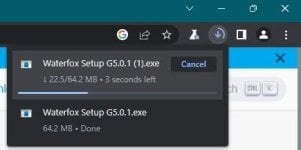
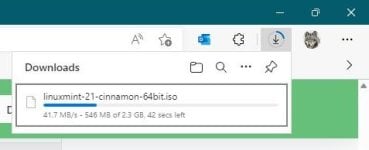
This is what I get with Parallel Downloads on Edge:You can enable Parallel downloading via flags in some browsers.

I honestly feel sorry for anyone, who is forced to use a download manager in 2022
Let me correct it for you: Windows network optimization is buggy. A guy had 300 Mbps speed on 1TB network before using TCP Optimizer. Windows defaults suck, there is no: all in one.Chromium download manager is buggy and slow as you can see in the screenshot.


 github.com
github.com
github.com

I don't use any download manager by default, but I test whenever I find one. This one look very good and it's fast too. But similar to some other download managers like IDM, XDM, the disk write bytes is twice the size of the file. If you download a 20 MB file, 40 MB data will be written on the disk. But it's odd because unlike IDM, XDM which download parts of the file in a different temporary location, combine them and put into your download folder, this one is writing files at the same pre-allocated space as the download folder yet for some reason disk writes amount is twice the size of the file.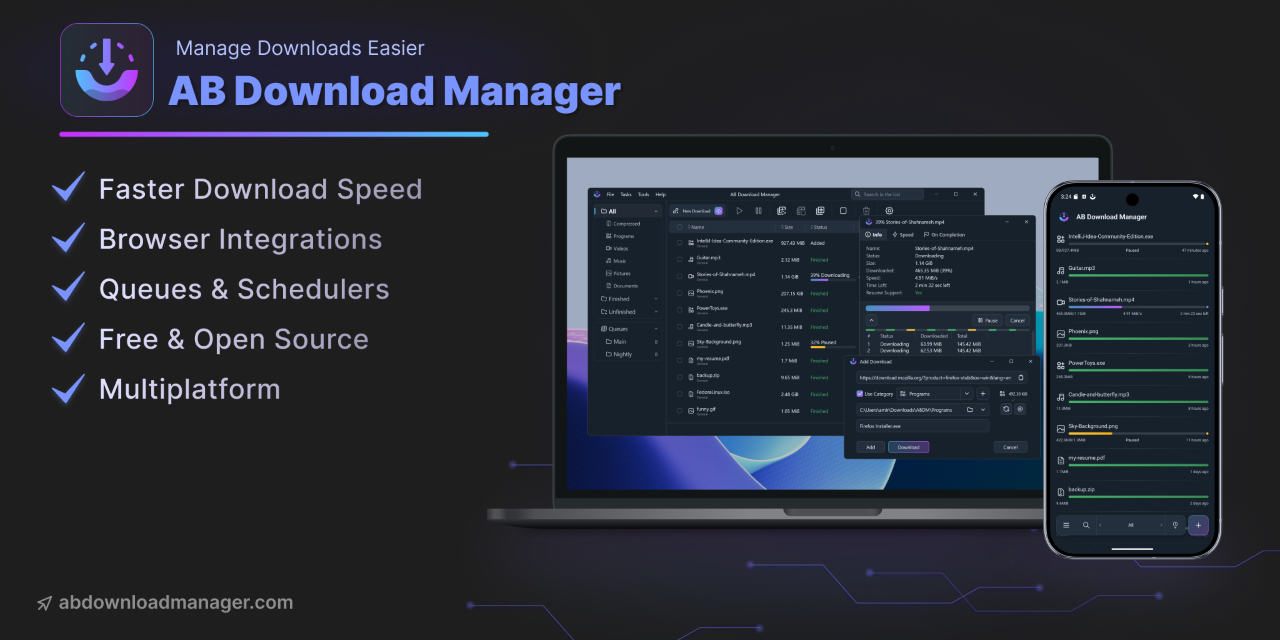
GitHub - amir1376/ab-download-manager: A Download Manager that speeds up your downloads
A Download Manager that speeds up your downloads. Contribute to amir1376/ab-download-manager development by creating an account on GitHub.

try this:I don't use any download manager by default, but I test whenever I find one. This one look very good and it's fast too. But similar to some other download managers like IDM, XDM, the disk write bytes is twice the size of the file. If you download a 20 MB file, 40 MB data will be written on the disk. But it's odd because unlike IDM, XDM which download parts of the file in a different temporary location, combine them and put into your download folder, this one is writing files at the same pre-allocated space as the download folder yet for some reason disk writes amount is twice the size of the file.
It doesn't happen with FDM, JDownloader2 and the old and dead EagleGet.
I'm also curious to know if enabling parallel downloading on Chromium browsers increases disk write bytes but it's hard to measure that.



My Internet Download Manager license has expired. It was the best download manager i've ever used. I'm looking for some free and good alternatives... any ideas?
Members who viewed this thread in the last 5 minutes


