


An email mentions Ashley Madison, includes an old identifying detail, and gives you a deadline to pay. Those details can make the sender’s story sound more convincing.
The first decision isn’t whether the email accurately describes your past. It’s whether anything in the message shows a current threat, and what you can verify without replying.
Overview
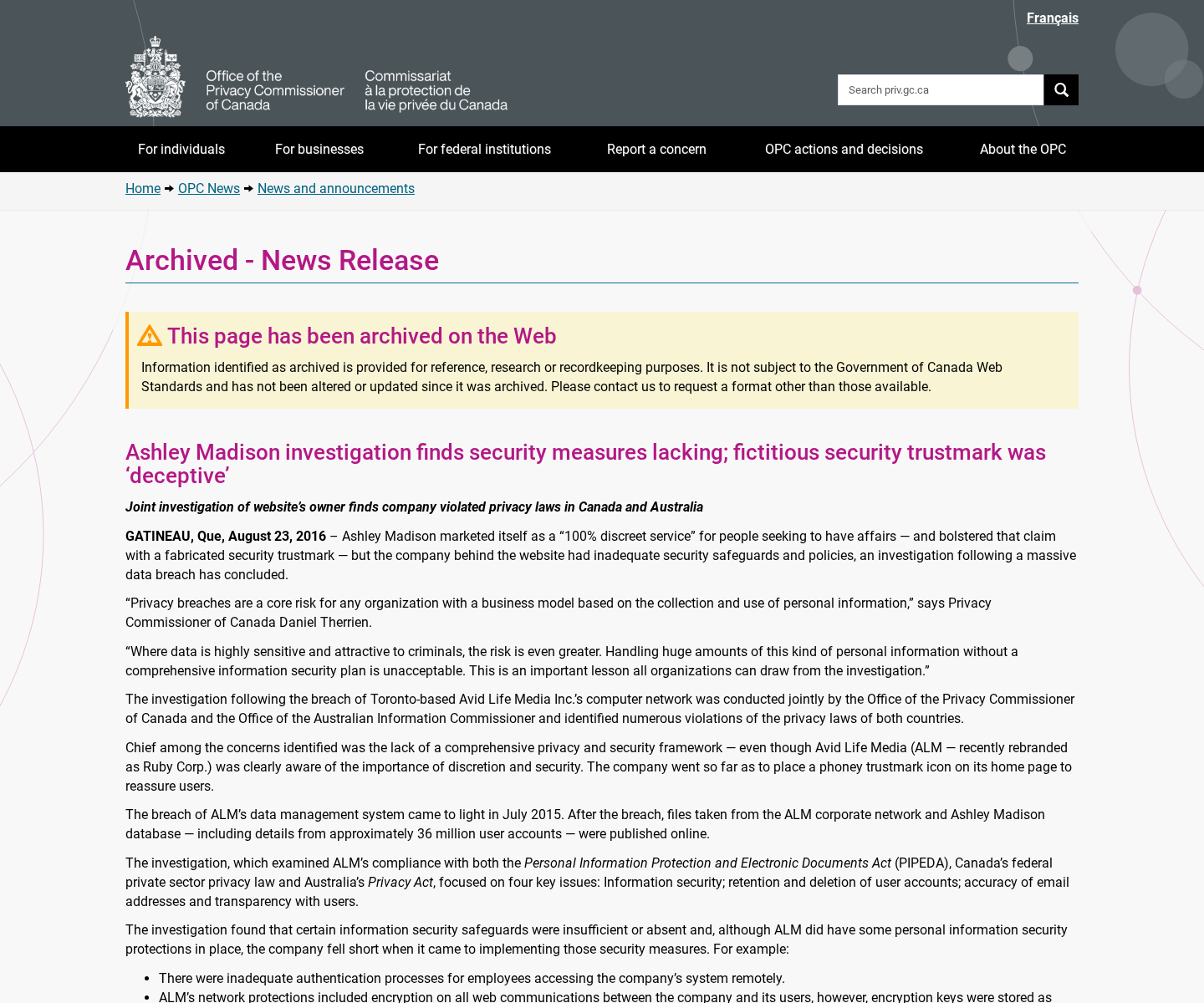
The 2015 Breach Is Real, but This Email Is a Separate Event
The FTC documented a historic Ashley Madison data breach. A demand that mentions the service doesn’t establish that the sender broke into your device or accessed a current account.
An Old Detail Can Be Accurate Without Proving the Rest
A password matters if you still use it. A known email address, obsolete password, or deadline does not establish that the sender has a current recording.
Take Action Based on the Evidence You Can Verify
Keep the demand private, do not pay, and check the security of your accounts from trusted pages. Escalate current account access, actual intimate material, or threats of physical harm separately.
- Only received a demand: Preserve the message and report it without replying or opening attachments.
- A current password or login issue: Secure the affected account and any accounts where you reused the password.
- Payment or a credible safety incident: Contact the appropriate provider or authorities promptly, with the relevant evidence.
What the Ashley Madison Breach Actually Establishes
In 2015, attackers breached the dating site’s network. The FTC’s case record links the incident to civil charges and a settlement announced in December 2016.
The FTC said the breach exposed sensitive information associated with more than 36 million users. That figure describes the historic incident, not the number of current blackmail emails.
The agency also challenged how the site described its old Full Delete option. The allegations involved records retained despite a paid deletion service, not whether a present email is authentic.
The site and the person sending a payment demand are not interchangeable. The official case documents the company’s past conduct, but it does not identify a stranger contacting you now.
Getting an email that names the brand isn’t proof you used it. A sender may make the same allegation to many recipients, and a lookup can match the wrong person.
Conversely, recognizing a specific old detail doesn’t tell you where the sender obtained it. A password can have appeared in a separate leak, particularly if it was reused.
Do not open a stolen dataset or enter private information into an unfamiliar lookup to test a threat. The immediate account and payment checks do not require finding those files.
If you joined a service after a cited breach, the timeline gives you a reason to question the claim. It still doesn’t establish what any sender separately knows about you.
If you never used the service, don’t create an account to look for yourself. That adds information to a new account without helping you verify the email.
Read the Demand Without Giving the Sender a Second Opportunity
The FTC’s warning about Bitcoin blackmail describes a common pattern: an email claims to have a recording, may mention a password, and demands payment to stay quiet.
The placement of a personal detail makes the demand feel specific. Start by isolating the actual evidence in the message from the story the sender builds around it.
For example, the message may correctly repeat a password you stopped using years ago but give no reliable evidence it can still sign into an account today.
Do not use the sender’s proof link or download a file to find out whether a recording exists. Keep any attachments unopened and preserve the original message.
An email showing your own address as the sender doesn’t prove someone signed in as you. Check recent sessions and sent messages from your provider before deciding what happened.
A countdown is also not an independent indicator of access. You can preserve the message and verify your account without extending the sender’s ability to pressure you.
What to Do If You Receive an Ashley Madison Blackmail Email
Stop the Conversation and Keep the Original Evidence
- Do not reply, pay, or follow a link in the message. Avoid clicking an attachment to check whether the sender’s claims are true.
- Save the message and note the date, visible sender and any payment reference. If your mailbox allows it, preserve the original message or headers rather than forwarding it around.
- Report the message as phishing or spam in your email provider after preserving what’s needed. Use an official fraud or police reporting service rather than one named by the sender.
- For U.S. internet crime reporting, open the FBI’s Internet Crime Complaint Center directly and follow its complaint process. Describe what you received, did, and independently verified.
- Contact local emergency services if there is immediate physical danger. If someone posted material, report it through the platform without forwarding it.
Keep the evidence where only you or the person handling the report can see it. Publicly posting a screenshot may expose the addresses or names you’re trying to protect.
In a report, put the timeline in order. Note when the message arrived, whether you opened anything, and when you first verified any suspicious account activity.
Retain the complaint reference after filing. If the same sender escalates, it gives you a way to connect your new evidence to the earlier report.
If the sender contacts you from another account, preserve the new message rather than starting a conversation to establish whether it’s the same person. Share that pattern with investigators.
You do not need to argue with the sender about the accuracy of their claim. A reply confirms that somebody is reading the mailbox and creates another chance for pressure.
Secure the Account Based on What Actually Happened
If the password in the message is still in use, open the real account site and change it to a unique one. Replace it anywhere else you reused it.
Your primary email deserves priority if you use it to reset other passwords. A working mailbox login can give an intruder access to password resets at unrelated services.
- Open the provider’s Security settings from a trusted device, then check recent sign-ins and active sessions. Record anything inconsistent with where and when you used the account.
- Sign out sessions you don’t recognize using the provider’s controls. Verify your recovery email and phone so an intruder cannot undo changes through a different recovery route.
- Enable two-factor authentication or another stronger sign-in option where available. Store recovery codes privately so you are not locked out after you remove an unfamiliar session.
- Review sent messages, forwarding settings, and rules for unexplained changes. If you can’t sign in, use the provider’s recovery page, not a link supplied by the email.
The FTC’s account recovery guidance is useful if you find real changes or lost access. A reused password and a suspicious session are separate reasons to act.
If the password is obsolete and never reused today, a matching string alone doesn’t require changing every account. Check your current mail security and retire any remaining copies.
Check that an unfamiliar sign-in isn’t a browser you forgot about or an approximate location from your network. Preserve it and investigate using the provider’s details, not the sender’s story.
Run a Concrete Check if Your Mailbox Is Gmail
From your Google Account, enter Security & sign-in, then find Your devices and select Manage all devices. Open a device or session to check its details.
Use Sign out for an unfamiliar device after identifying it; multiple sessions may have the same name. Google’s device guide explains what the timestamps represent.
On a computer, open Gmail, select the settings gear, and choose See all settings. Check Forwarding and POP/IMAP or Forwarding, depending on the account.
If mail goes to an address you did not authorize, choose Disable forwarding and save your changes. Then check Filters and Blocked Addresses for unexplained forwarding rules.
Keep forwarding and filter changes scoped to what you can explain. A managed work mailbox may have approved routing, so ask your administrator before removing authorized business rules.
After saving, return to the settings to confirm the unwanted rule or forwarding address is no longer active. Then check your security settings for any further unauthorized activity.
Deal With a Payment, an Actual Upload, or a Stronger Threat
You Already Sent Money or Entered a Payment Card
If you sent cryptocurrency, preserve the transaction ID and the provider or exchange you used. Report it to that provider and include it in any official complaint you file.
If a card was entered, contact the issuer using the number on your card or a trusted app. Ask it to review the exposure and charges promptly.
Do not send a second payment to unlock a refund or to confirm that the sender deleted material. The original payment gives no reliable evidence that a promise was kept.
A recovery offer may arrive from someone who appears to know about your loss. Verify any official claim independently rather than sending more money or signing into a new site.
Record whether a payment is only pending, completed, or not yours. A bank or exchange can explain what it can do; do not assume the transaction can be reversed.
If you entered payment information but no charge appears yet, report the exposure anyway. Use your issuer’s guidance on monitoring, replacing the card, and disputing later transactions.
The Sender Shows Current Material or Actually Posts Something
Do not assume every demand is empty. If it contains credible current evidence or material has appeared online, save the location, account names and timing without distributing the material.
Report through the platform carrying the material, and seek appropriate local or national help. If there is a specific physical threat, don’t wait for a platform moderation decision.
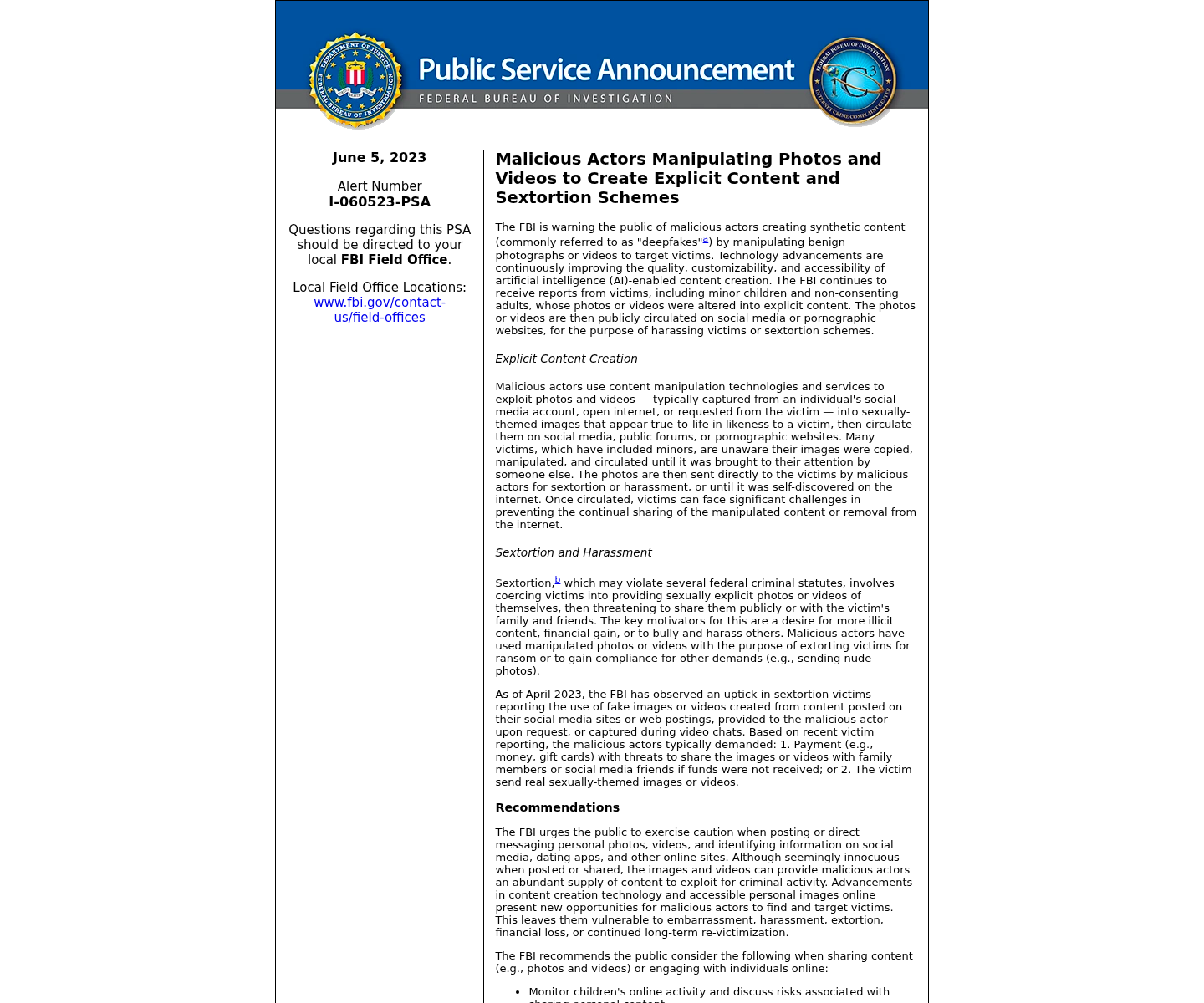
If you think the material is altered, record what distinguishes it without passing it around. The FBI’s advisory on manipulated images recommends preserving relevant information and reporting the incident.
Tell an appropriate trusted person if you need support while responding. The sender benefits from urgency and isolation, and you don’t need to handle every decision alone.
If notifying an employer or another organization, use a known internal phone number or reporting channel. Ask them to restrict distribution to the people handling the incident.
Why Closing an Account Cannot Settle This Demand
Account deletion, preventing new access, and removing copies already distributed are separate jobs. Even a successful deletion request cannot take back files held by someone outside the service.
If you have a current account and want to close it, verify the current closure and billing options from the service itself. Do not use instructions inside the threat.
Before closing anything, save records you may need to report the matter, such as a support reference or a transaction receipt. Keep that information in a private location.
Keep a written record of any cancellation or removal request. A confirmation number is more helpful for follow-up than an assumption that closing a profile stopped every obligation.
If the threat quotes a workplace address, share just enough with IT to help them identify similar messages. Do not circulate the allegation to coworkers to see who received it.
It is also reasonable to reduce exposed personal contact details through legitimate removal tools, especially if the sender refers to currently public information. Begin with pages you control.
Keep expectations realistic: taking an old phone number off a public profile reduces exposure there, but does not make already copied information disappear or guarantee threats will stop.
Frequently Asked Questions
Does Mentioning Ashley Madison Prove I Had an Account?
No, a sender can make an allegation without a reliable record. The 2015 incident does not prove that any particular email claim about you is true.
What If the Email Contains a Password I Recognize?
Check whether you or a password manager still use it anywhere, then replace every current copy. An old password does not by itself establish a current device compromise.
Do I Need to Pay Before the Deadline to Protect Myself?
Do not pay an emailed blackmail demand. Keep it as evidence, verify your accounts and use appropriate reporting when the threat involves actual material or physical safety.
Does a Demand Prove There Was Another Ashley Madison Breach?
No, the historic breach can explain the type of story a sender tells, but an unsolicited message is not evidence of a new breach or its source.
Can I Delete My Way Out of the Old Breach?
Deleting your account now cannot retrieve copies already taken or published. Use current closure controls only for your own account and address the extortion separately.
What Details Should I Include When Reporting a Payment?
Provide the amount, date, service used and transaction reference through the official report. Don’t share account passwords or post raw transaction screenshots on a public forum.
The Bottom Line
Do not pay or reply when an email uses Ashley Madison to threaten you. Keep the demand, verify real sign-in and payment activity, and use established reporting channels.
Replace a current exposed password and escalate any credible current threat. A true detail from the past should guide a specific check, not buy the sender your trust.

Join the discussion
0 commentsShare your experience or ask a question about this article.
Discussion
Start the conversation
Have a question or something useful to share? Add the first comment.