


FreeBackgroundCheck.org publishes a privacy policy and a separate FAQ with different routes for removing personal information. Neither one is the same as buying a report.
Before sending identification, find the instructions that apply to you and verify the recipient. If you cannot confirm where the documents would go, stop before sending them.
Overview
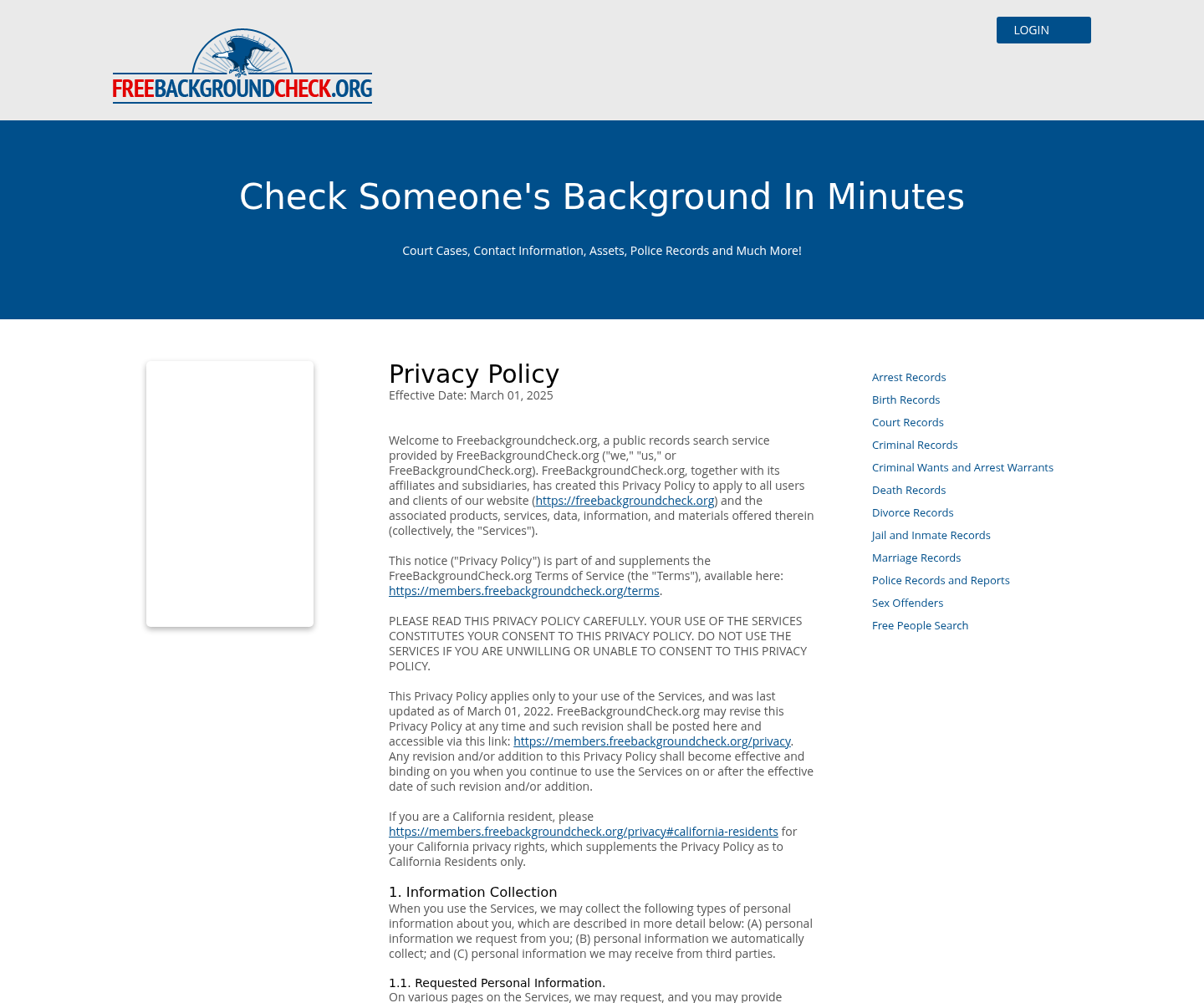
The California Procedure Is in the Main Privacy Policy
Section 12 discusses rights for California residents. It describes a verifiable deletion request, subject to exceptions, and identifies a privacy email address without requiring a paid account.
The General FAQ Describes Mail or Fax After Contacting Support
The site’s FAQ asks for proof of identity and address and says requests under that procedure are processed by mail or fax, not by email or phone.
A Published Procedure Is Not a Verified Destination for Your ID
A general contact address is not necessarily the place to send a removal packet. Get current instructions directly from the service before sharing documents that expose more information.
- Identify your listing: Save the exact page privately and identify the detail you want removed.
- Choose the documented route: Separate a California rights request from the site’s general process.
- Pause if the destination is unclear: Do not send government ID or proof of address to an unconfirmed endpoint.
Check That You Are Looking at the Exact Site and Listing
Start with the domain in the result you saw. This guide concerns FreeBackgroundCheck.org, not every service with free background check in its name or a similar-looking search button.
If you can safely see your own listing, copy its exact URL or the exact search-result link. Write down which part of the result exposes your personal information.
If there is only a search snippet and the original link fails, record that difference. You can follow up on a stale search result without buying a membership.
Do not search for or submit somebody else’s profile just to see how the site works. An authorized request is about a specific person and their actual information.
If your name is common, check a minimal detail you already recognize. Avoid completing a paid report or entering an identifier to confirm a listing in a public search.
Keep the result address in a private note. That makes it easier to compare what changed later without copying sensitive content into an ordinary document or message subject.
The homepage, the login page and the policy are different destinations. Opening a report or starting a trial is not how either document describes making a privacy request.
For example, suppose Google shows an old city beside your name but the listing links to a generic sign-in page. Save the result without creating an account.
The service may still be able to identify a record from the URL. The inability to open it anonymously is not a reason to start a paid trial.
What to Do to Request Removal From FreeBackgroundCheck.org
If You Live in California, Start With the Privacy Policy
- Open the site’s main Privacy Policy and find 12. California Residents. Read the deletion section and the instructions for making a verifiable request.
- Confirm the current contact shown in that section. The policy reviewed lists privacy@freebackgroundcheck.org, but listing an address does not prove the mailbox accepts messages now.
- Write a request for deletion of your personal information, identify the listing, and explain that it concerns you. Include only enough information to help locate the record.
- Ask for confirmation of receipt and, if necessary, the specific information required for verification. Do not attach an identity document just because your first message has no reply.
- Keep your sent request and any bounce or reply. If the destination rejects the message, record that outcome and do not treat it as accepted or pending.
A concise request could say that you live in California, identify your listing, ask the service to delete the personal information it holds, and request confirmation in writing.
The website may verify identity or authority before responding. That does not require opening a membership or sending all your identifying documents with the first email.
The published policy says it will respond within 45 days of receipt of a verifiable request or tell you why it needs additional time. This isn’t a promise of removal.
Incogni reported that the privacy and support addresses it tried bounced. That is a reason to confirm delivery or use a verified alternative, not proof that the service closed.
Read the bounce message before sending anything again. A permanent address failure and a temporary delay are different outcomes, and neither establishes that the recipient reviewed what you wrote.
If you contact a regulator, describe which published route you attempted, when you did it, and whether it bounced. Do not attach unrelated account or household records.
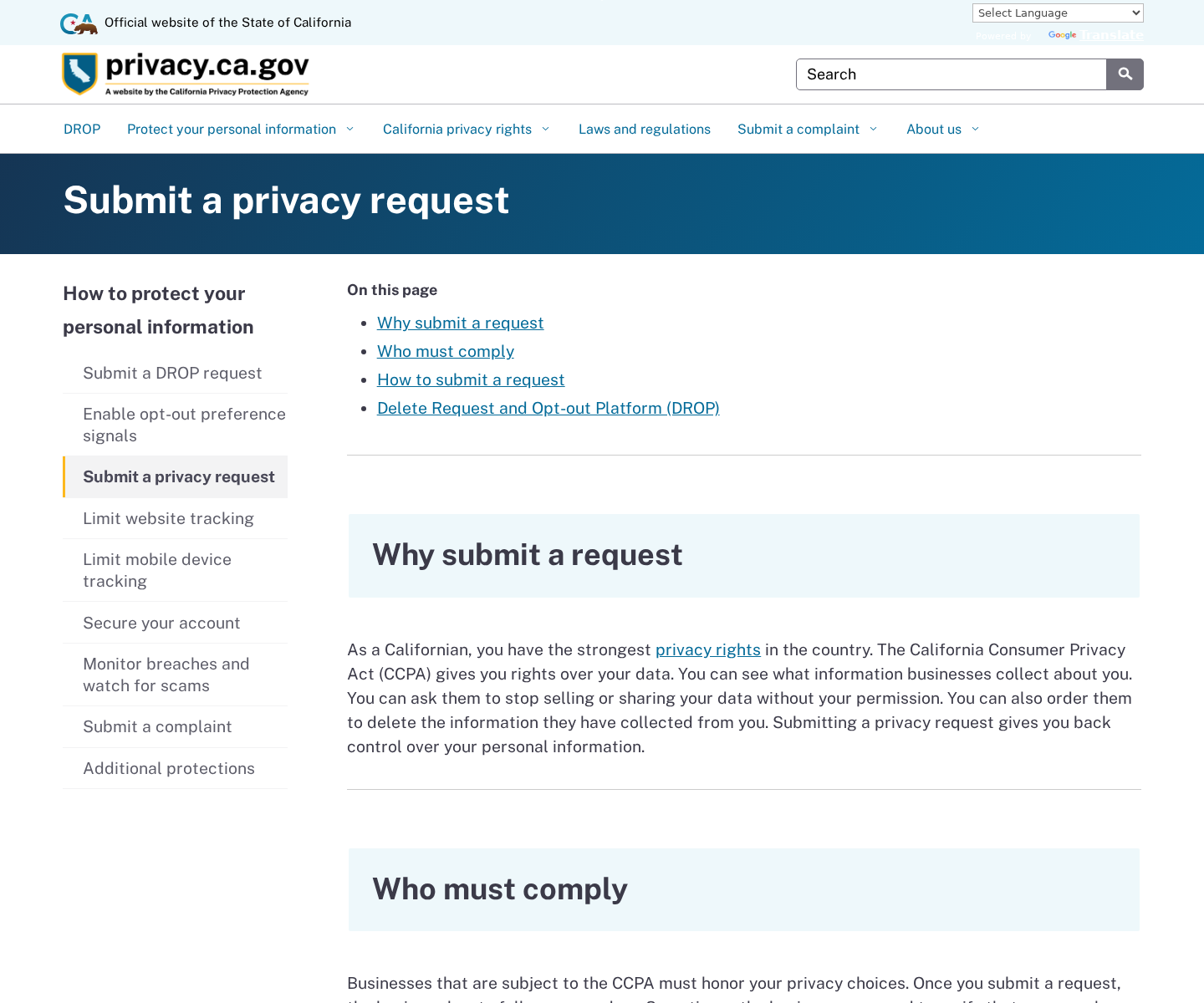
For direct requests and other options in California, use CalPrivacy’s consumer guidance. It distinguishes company requests from the separate registered data broker program.
For the General Mail or Fax Procedure, Verify the Destination First
- Find the removal entry near the end of the site’s FAQ. It instructs you to contact customer support for the current procedure.
- Ask for the exact department and verified mailing address or fax number for privacy requests. Ask which proof is required and whether you can redact unrelated details.
- Prepare a short letter naming the listing and asking to remove your information. Include a way for the service to confirm your request without publishing additional contact details.
- Send proof only if you have confirmed the recipient and are comfortable with the requirements. Keep a private copy of the letter and any delivery confirmation.
- If you cannot confirm the destination, do not send the documents. Check for an applicable privacy authority or report the visible copy to the publisher or search engine separately.
The FAQ asks for proof covering identity and address. It does not establish that the general business address on another page is the right destination for that packet.
A phone call or email to ask about the procedure is not the same as submitting the opt-out itself. The general FAQ does not describe accepting the request that way.
Ask how the recipient tells you that the request was received and processed. If it offers no tracking or confirmation, keep your own delivery evidence and check the result separately.
If your listing has an old address but your proof is current, ask what the service needs to match the record. Don’t volunteer a detailed history of your addresses.
If two people at the same address want removal, check the requirements for each independently. The published FAQ describes identification as belonging to the person making the request.
Privacy rights vary by jurisdiction, including outside California. Treat the general FAQ as the site’s procedure, not a full account of your legal options.
Verify the Contact Before You Share Identification
Use the exact domain and the service’s current privacy instructions. If an old blog or a search result shows a different destination, don’t automatically trust the more convenient one.
Do not send a password, bank login, payment card, or one-time passcode for a directory removal. Ask the service why a request needs any specific piece of information.
If it seeks a document, ask whether a portion showing only the relevant details is acceptable before sending it. Don’t assume redacting a field will satisfy its verification process.
Address proof can contain financial transactions or unrelated household information. Choose the least revealing acceptable document, and do not include pages that do not help establish the requested fact.
Keep the submission receipt somewhere private. A sent email, proof of delivery, and the recipient’s acknowledgment are different records; keep the one that actually supports your follow-up.
If a message offers removal only after an urgent payment, compare it with the procedures on the actual site. A report trial and a privacy request are different services.
If a reply sends you to another domain for verification, do not upload documents until you independently confirm the relationship. A logo in a reply does not establish that connection.
Check whether the reply answers your deletion request or just asks you to log in. Open the known support route yourself instead of using an unexpected link.
Avoid leaving an identity packet on a shared printer or an office fax. If you choose to send documents, the copies you make need the same care as the original.
Keep a separate note for the contact procedure and the substance of your request. A later change to the mailing instructions doesn’t change what your original request asked for.
Know What a Removal Can Change Before You Wait for It
Public Records Can Be Outside the Scope of the Request
The site’s California section excludes publicly available information from that section’s coverage. It also describes exceptions to deletion, so a successful identity check is not the same as approval.
If a request is denied, ask which part of the record was not removed and whether the company will explain the exception. Keep that reply when considering other options.
If the same detail is in an official record, ask the responsible authority about its own correction or privacy process. The directory can’t alter the original public record for you.
Check the Directory and the Search Result Separately
Reopen the original listing address after a response. Check whether the page is gone, still contains the information, or changed but continues to appear in a search result.
If Google displays an old snippet, confirm the website really removed the detail first. If it remains there, treat the original page and the search listing as separate requests.
Use Google’s personal information removal guidance for an eligible result. Removing it from search does not change the directory or establish that every other copy is gone.
If the result reappears under a new link, record that link separately. An old reply about a different page is not a reliable answer about the new one.
If another directory has the same information, identify its operator first. A similar page title or matching address does not mean those two services share requests.
If the provider sends a generic confirmation, ask which record it covered before closing your notes. Match the response to the listing address and date you saved.
Separate removal from correction when an entry is wrong. If it attributes another person’s information to you, explain the mismatch without sending that person’s private records.
If the source can’t be reached but the result exposes your current address, follow the search engine’s contact information process while continuing to verify the source.
For an outdated Google snippet, Google’s reporting guidance distinguishes results that still expose contact info from pages whose content already changed. Choose the action matching what the original shows.
If a publisher won’t remove a detail, take stock of the other copies you can control rather than sending documents repeatedly. Addressing a separate public page can still help.
Check For Separate Billing Only If You Started a Trial
The site’s FAQ says its trial can renew unless canceled before the end, while single report memberships do not renew. That wording is separate from its removal process.
If you enrolled, check your receipt and terms. The FAQ directs members to their support option to cancel the trial; keep a record of the confirmation you receive.
Don’t rely on a privacy request to stop renewal. If you see an unauthorized or unresolved charge, use your card issuer’s existing contact method and keep the transaction details.
Frequently Asked Questions
Can I Submit a Deletion Request Without Buying a Report?
The site’s California policy says a verifiable request doesn’t require an account. The general FAQ describes contacting support and following a separate mail or fax procedure.
Should I Send an ID to the Address Listed in the Privacy Policy?
Do not send documents until the service confirms the current destination and requirements. A policy’s general contact address is not proof it accepts a removal packet.
Is an Undeliverable Email the Same as a Denied Request?
No, a delivery failure does not establish that anyone reviewed the request. Save the bounce and look for a verified route rather than treating it as a decision.
Does the Site Say It Will Delete Every Public Record?
No, its California privacy section excludes publicly available information from that section. An official record may have a different process through the agency that actually maintains it.
Will Deletion Stop Charges From a Trial Membership?
Do not assume it will. Use the membership cancellation route in your account or receipt, and preserve any confirmation separately from your opt-out correspondence.
What Do I Do If Google Shows the Listing After a Removal?
Check whether the original page still shows the information. If only the result remains, use the search engine’s relevant removal or refresh process for that result.
The Bottom Line
Use the documented FreeBackgroundCheck.org route that fits your situation, but don’t send identification to an unconfirmed address. A policy or FAQ describes a process, not a guaranteed outcome.
If your request bounces, keep the evidence and try an independently verified option. If you ever started a trial, check its cancellation separately from your privacy request.

Join the discussion
0 commentsShare your experience or ask a question about this article.
Discussion
Start the conversation
Have a question or something useful to share? Add the first comment.