

Service Host: Program Compatibility Assistant Service Explained
When you open the Task Manager on your Windows computer, you may notice a process called “Service Host: Program Compatibility Assistant Service” running in … Read more
Author · 61,164 articles · page 301
Stelian is a malware and virus removal expert with more than 15 years of experience. Stelian leads malware analysis and removal at MalwareTips, writes the step-by-step removal guides and helps readers recognize and avoid online scams.
When you open the Task Manager on your Windows computer, you may notice a process called “Service Host: Program Compatibility Assistant Service” running in … Read more
When you open the Task Manager on your Windows computer, you may notice a process called “Service Host: Print Spooler” running in the background. … Read more
When you open the Task Manager on your Windows computer, you may come across a process called “Service Host: SSDP Discovery.” This process might … Read more
When you open the Task Manager on your Windows computer, you may notice a process called “Service Host: UPnP Device Host” running in the … Read more
When you open the Task Manager on your Windows computer, you may notice a process called “Service Host: State Repository Service” running in the … Read more
When you open the Task Manager on your Windows computer, you may notice a process called “Service Host: Microsoft Account Sign-in Assistant” running in … Read more
When you open the Task Manager on your Windows computer, you may come across a process called “Service Host: CNG Key Isolation” running in … Read more
When you open the Task Manager on your Windows computer, you may notice a process called “ASUS AI Suite” running in the background. This … Read more
When you open the Task Manager on your Windows computer, you may come across a process called “ASUS Com Service” running in the background. … Read more
When you open the Task Manager on your Windows computer, you may notice a process called “ASUS Update Checker” running in the background. This … Read more
When you open the Task Manager on your Windows computer, you may notice a process called “SupportAssistAgent.exe” or “SupportAssistAgent32.exe” running in the background. This … Read more
When you open the Task Manager on your Windows computer, you may notice a process called “Dell Command Update” running in the background. This … Read more
When you open the Task Manager on your Windows computer, you may notice a process called “Dell PremierColor” running in the background. This might … Read more
When you open the Task Manager on your Windows computer, you may notice a process called “Lenovo Vantage” running in the background. This can … Read more
When you open the Task Manager on your Windows computer, you may come across a process called “Lenovo System Interface Foundation” or “lsif.exe” running … Read more
When you open the Task Manager on your Windows computer, you may come across a process called “Lenovo Modern Im Controller” running in the … Read more
When you open the Task Manager on your Windows computer, you may notice a process called “Realtek USB Audio” running in the background. This … Read more
When you open the Task Manager on your Windows computer, you may notice a process called “Realtek PCIe GBE Family Controller” running in the … Read more
When you open the Task Manager on your Windows computer, you may notice a process called “MSI Gaming Center” running in the background. This … Read more
When you open the Task Manager on your Windows computer, you may notice a process called “MSIAfterburner.exe” running in the background. This process is … Read more
When you open the Task Manager on your Windows computer, you may come across a process called “MSI Mystic Light.” This process might raise … Read more
When you open the Task Manager on your Windows computer, you may come across a process called “AMD External Events Utility” running in the … Read more
When you open the Task Manager on your Windows computer, you may notice a process called “AMD User Experience Program Launcher” running in the … Read more
When you open the Task Manager on your Windows computer, you may notice a process called “Dell Digital Delivery” running in the background. This … Read more
When you open the Task Manager on your Windows computer, you may notice a process called “Lenovo Companion” running in the background. This can … Read more
When you open the Task Manager on your Windows computer, you may notice a process called “ASUS Fan Xpert” running in the background. This … Read more
When you open the Task Manager on your Windows computer, you may notice a process called “Lenovo Quick Optimizer” running in the background. This … Read more
Task Manager is a powerful tool in Windows that allows users to monitor and manage running processes on their computer. It provides valuable insights … Read more
When you open the Task Manager on your Windows computer, you may notice a process called “Realtek Wireless LAN Utility” running in the background. … Read more
When you open the Task Manager on your Windows computer, you may notice a process called “Realtek HD Audio Universal Service” running in the … Read more
When you open the Task Manager on your Windows computer, you may notice a process called “RtHDVBg.exe” or “Realtek Card Reader Monitor” running in … Read more
When you open the Task Manager on your Windows computer, you may come across a process called “MSI Super Charger” running in the background. … Read more
When you open the Task Manager on your Windows computer, you may come across a process called “AMD External Events Service Module” running in … Read more
When you open the Task Manager on your Windows computer, you may notice a process called “AMD Ryzen Master” running in the background. This … Read more
When you open the Task Manager on your Windows computer, you may notice a process called “AMD Catalyst Control Center” running in the background. … Read more
When you open the Task Manager on your Windows computer, you may come across a process called “Intel(R) Management and Security Application Local Management … Read more
When you open the Task Manager on your Windows computer, you may come across a process called “Intel(R) PROSet/Wireless Event Log.” This process might … Read more
When you open the Task Manager on your Windows computer, you may come across a process called “Intel(R) Smart Sound Technology (ISST) Audio Service.” … Read more
When you open the Task Manager on your Windows computer, you may come across a process called “Intel(R) Wi-Fi Hotspot Assistant Service.” This process … Read more
When you open the Task Manager on your Windows computer, you may notice a process called “Intel(R) Dynamic Platform and Thermal Framework” running in … Read more
When you open the Task Manager on your Windows computer, you may come across a process called “Intel(R) Dynamic Application Loader Host Interface Service” … Read more
When you open the Task Manager on your Windows computer, you may come across a process called “Intel(R) Content Protection HDCP Service.” This process … Read more
When you open the Task Manager on your Windows computer, you may come across a process called “Intel(R) Security Assist” running in the background. … Read more
When you open the Task Manager on your Windows computer, you may come across a process called “Intel(R) Management and Security Application User Notification … Read more
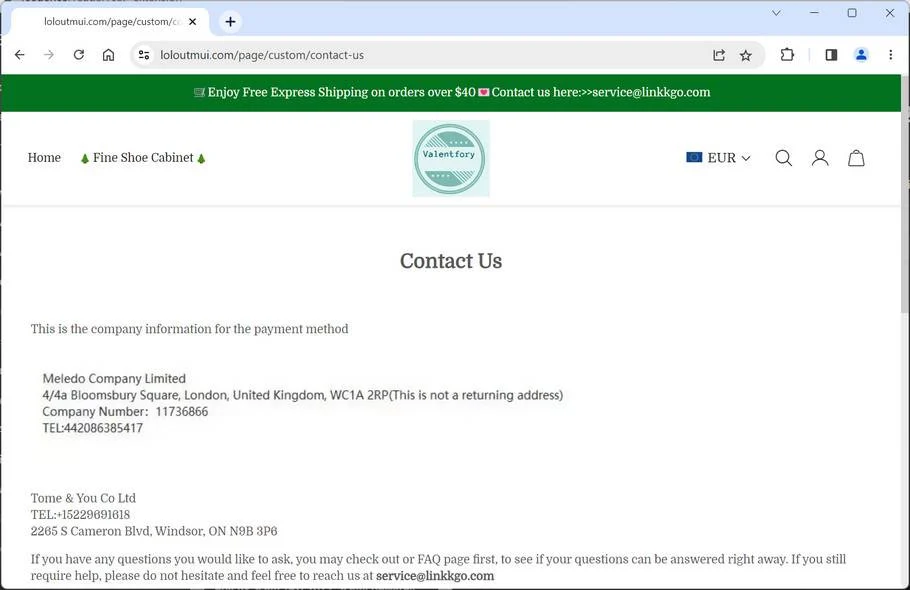
Loloutmui.com is a scam website that you should avoid at all costs. It claims to sell various items at very low prices, but it … Read more
If you have come across any online shopping site that claims to be associated with APRE SUNDAY LTD, you might want to think twice … Read more
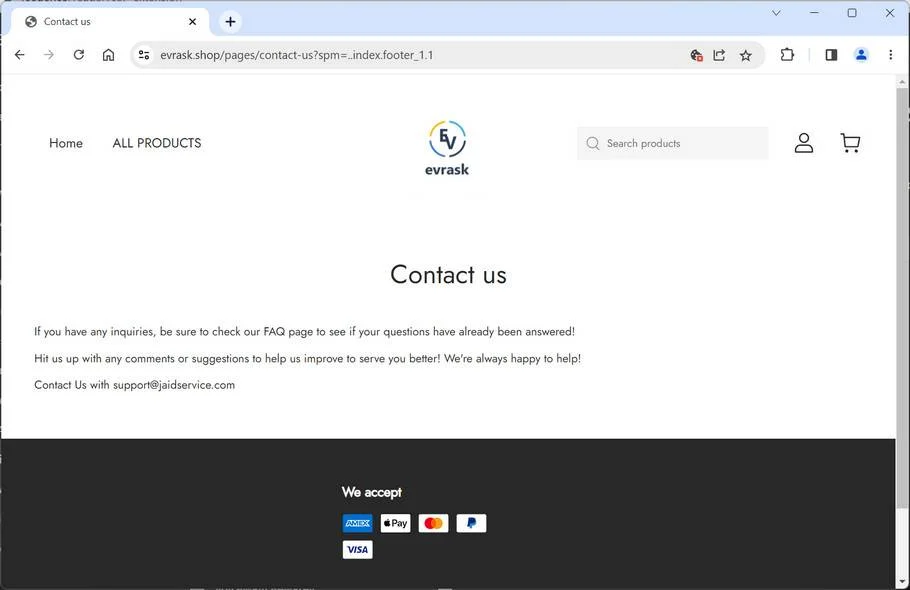
Evrask.shop is a scam website that you should avoid at all costs. It claims to sell various items at very low prices, but it … Read more
When you open the Task Manager on your Windows computer, you may notice a process called “Intel(R) Rapid Storage Technology” running in the background. … Read more
When you open the Task Manager on your Windows computer, you may come across a process called “Intel(R) Smart Connect Technology Agent” running in … Read more
When you open the Task Manager on your Windows computer, you may notice a process called “Intel(R) Graphics Control Panel” running in the background. … Read more